
Add License to Entralyzer
Below are the steps to activate the Entralyzer application.
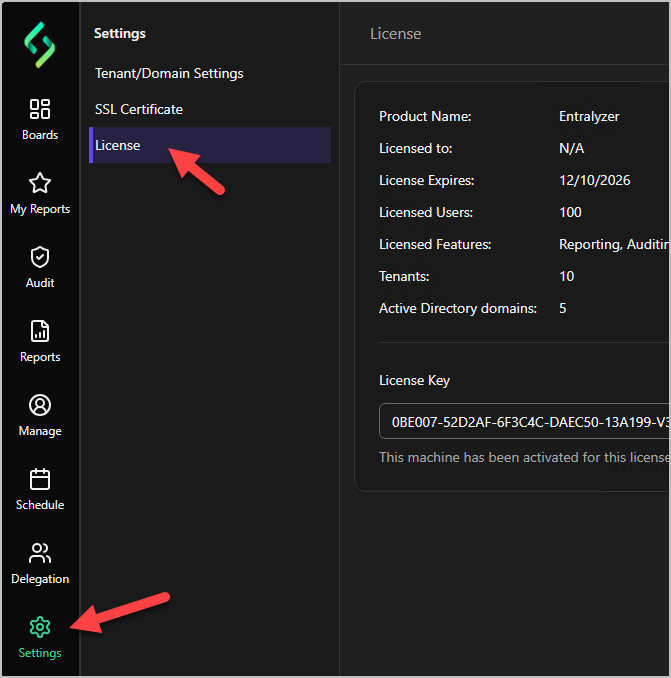
Step 1. Click on “Settings” then “License”
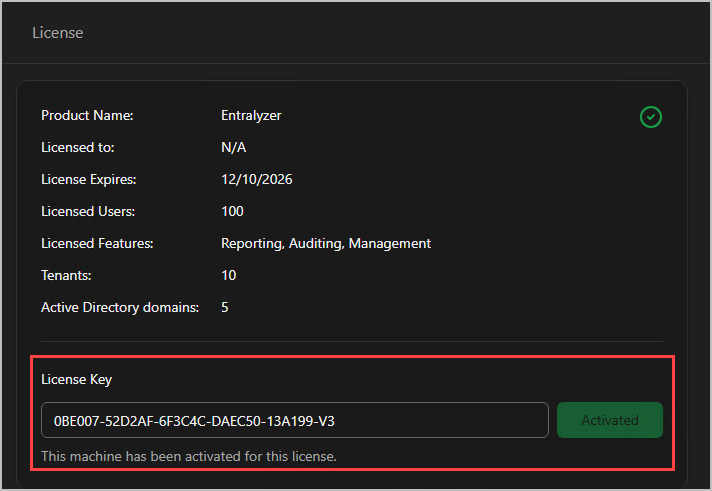
Step 2. Copy and paste your license key and click ""Activate”.
Below are the steps to activate the Entralyzer application.
Step 1. Click on “Settings” then “License”
Step 2. Copy and paste your license key and click ""Activate”.